

MAIN TECHNICAL ARTICLE
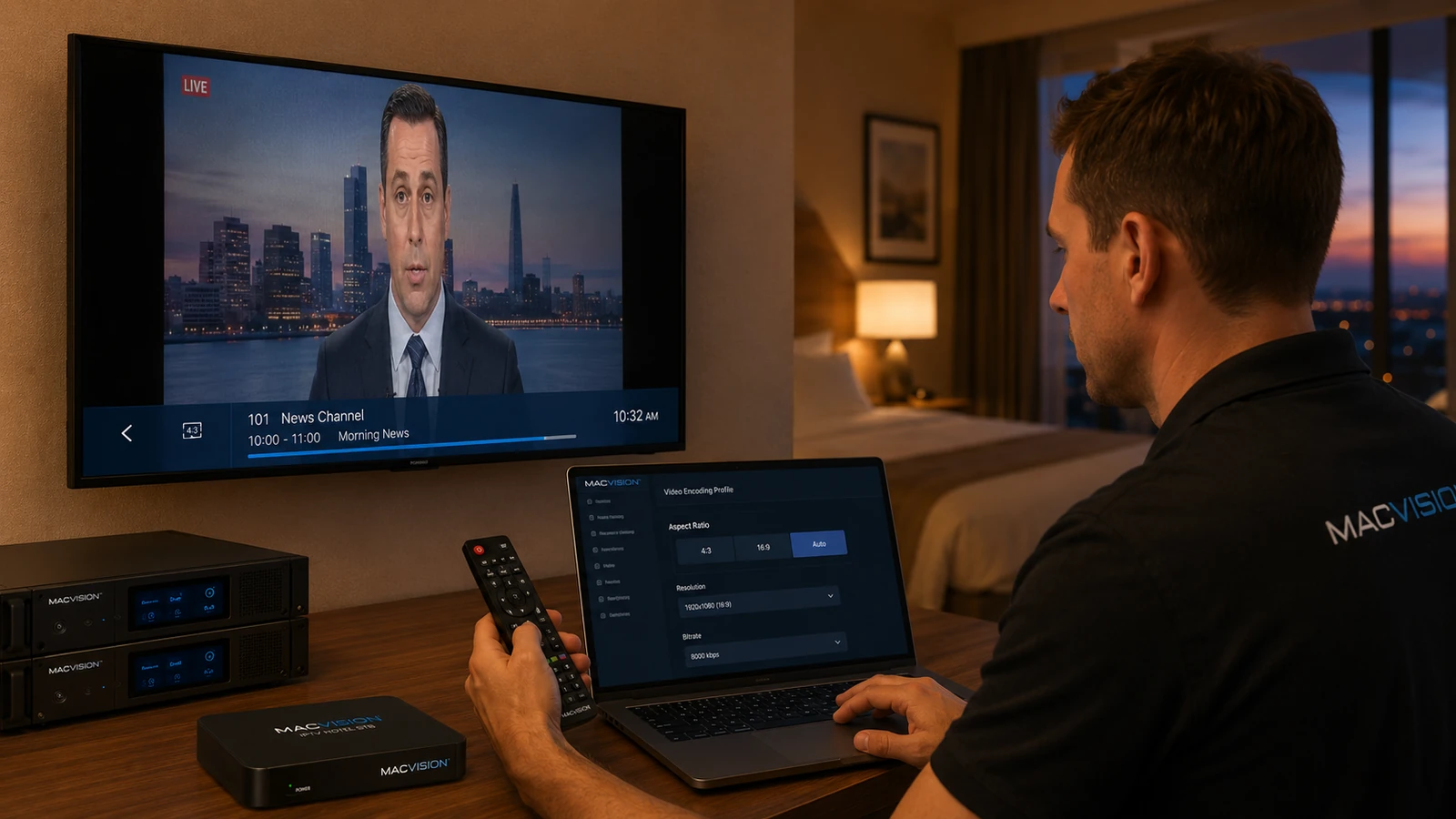
Incorrect aspect ratio makes people appear stretched, compresses wide content or adds unnecessary black bars. The error can originate in the broadcaster's active-format signaling, encoder scaling, middleware player or television display mode. Simply forcing every channel to 16:9 can crop genuine 4:3 material. The correct approach is to preserve valid aspect information and apply controlled scaling rules only when source signaling is absent or incorrect.
Why does a 4:3 channel appear stretched across a 16:9 IPTV television?
Answer: The encoder or player may flag the stream as 16:9 even though the active picture is 4:3, or the television may be forced into a wide zoom mode by hospitality settings. Inspect the encoded sample-aspect ratio and display-aspect ratio and compare with the source. Set the TV to respect stream signaling where possible. For legacy channels without reliable metadata, use a channel-specific profile that adds pillarboxing rather than stretching faces and graphics.
How can double black bars or cropped IPTV pictures be corrected?
Answer: Double bars occur when the source already contains letterboxing and the encoder or TV adds another scaling layer. Cropping happens when a zoom mode removes edges to fill the screen. View the source, encoded frame and TV output separately to identify where bars are introduced. Configure one stage to handle scaling, not several. Preserve subtitles and lower-third text inside the safe area and test both 4:3 and widescreen programs if the broadcaster changes format during the day.
Should aspect ratio be controlled in the encoder, middleware or TV?
Answer: Prefer correct source signaling and minimal transformation. Use the encoder when the source metadata is consistently wrong and all endpoints need the same correction. Use middleware or player rules when different device classes require different presentation. Avoid relying on guest-accessible TV zoom settings for a managed hotel lineup. Whichever stage is selected, lock the others to neutral behavior and document channel-specific exceptions so a future firmware update does not apply scaling twice.