

MAIN TECHNICAL ARTICLE
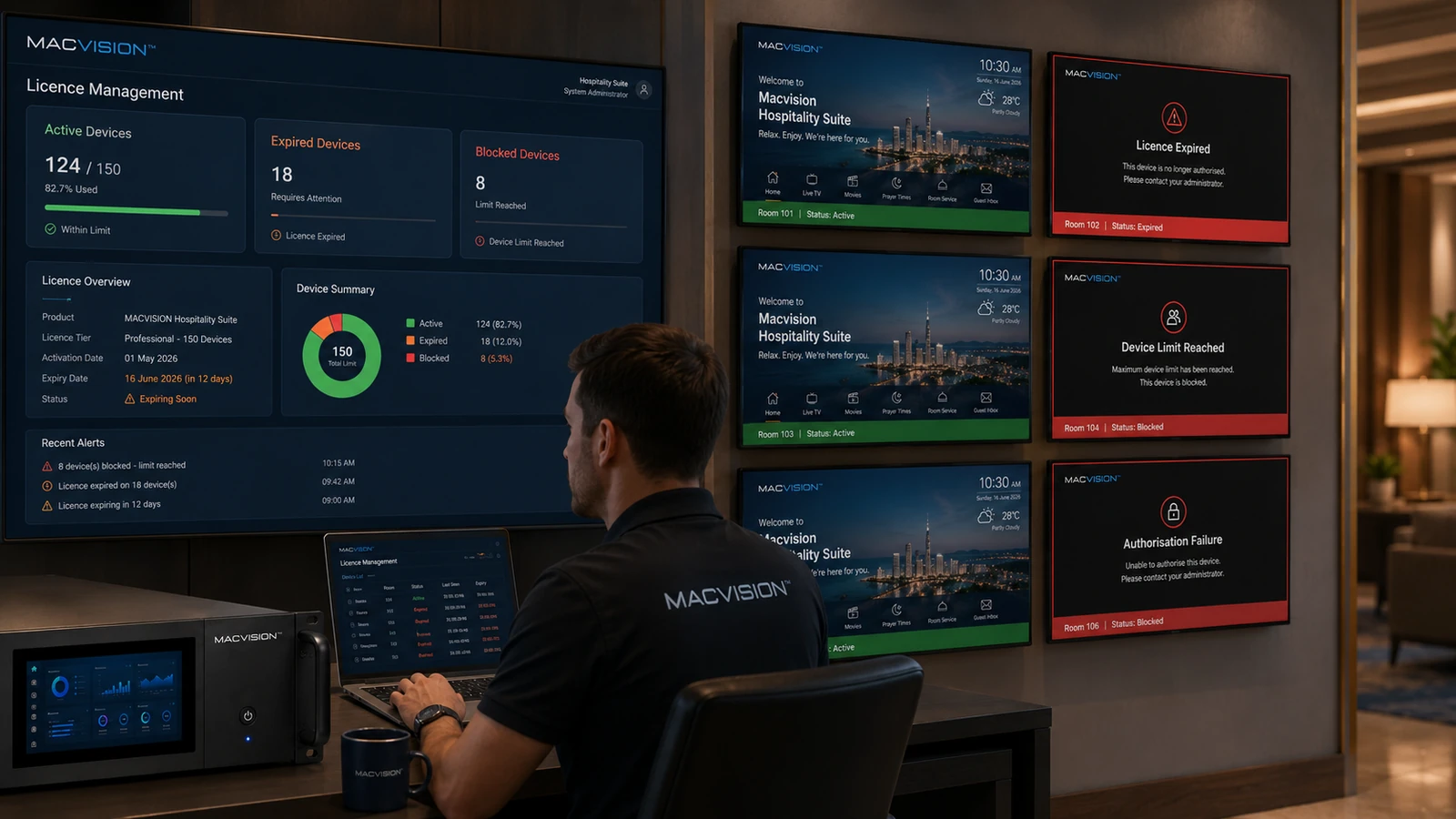
IPTV platforms can enforce server subscriptions, channel modules, concurrent sessions, room counts or device activations. Expiry or limit violations may disable selected features, reject new TVs or place the server in a restricted state while existing channels continue temporarily. Licence management should be monitored as an operational dependency and separated from physical network troubleshooting.
What symptoms suggest an IPTV licence problem rather than a network failure?
Answer: New devices may fail registration while existing ones work, the administration portal can show expiry warnings, specific modules may become unavailable or the server may reject sessions after a fixed count. Network captures show successful connectivity but application responses contain authorization or capacity errors. Check the official licence status and system clock before changing switches or channel URLs.
Why can a device-limit fault appear after replacing televisions?
Answer: Old device records may remain activated, so replacements consume additional seats instead of taking over existing ones. Virtualized servers can also appear as new hardware after migration if the licence is bound to system identifiers. Deactivate retired devices through the supported process and update asset records. Do not edit the database directly because this can corrupt entitlement state or violate licensing terms.
How should licence continuity be managed for a hotel IPTV service?
Answer: Record product, module, room and renewal details; configure alerts well before expiry; and maintain vendor contacts and authorized backup procedures. Include growth capacity for planned rooms and spare devices. Test licence recovery after server restore or failover. Procurement should complete renewals before maintenance windows, because emergency licence changes during an outage complicate diagnosis and can extend service interruption.