

MAIN TECHNICAL ARTICLE
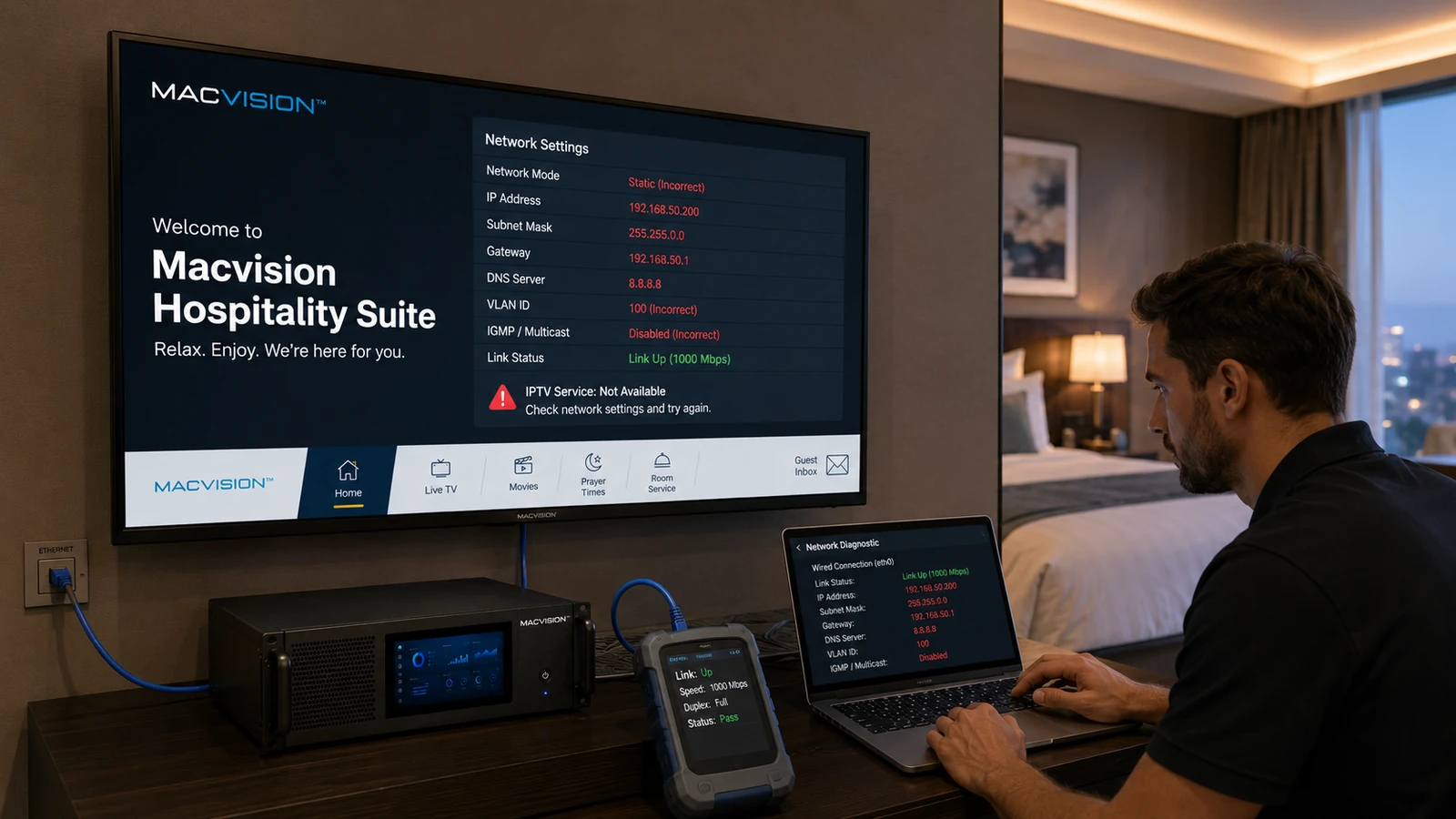
LG hospitality televisions can combine hotel mode, application launch rules, VLAN or IP settings, multicast playback and platform-specific management. A TV may have valid Ethernet link and internet access but still fail live channels because multicast is disabled by the network profile, the application starts on the wrong interface, the clock is incorrect or hospitality restrictions prevent the required player behavior. Testing must use the exact model, firmware and configured hotel profile deployed in rooms.
Why can an LG hospitality TV open the portal but not play multicast channels?
Answer: The portal uses normal HTTP or HTTPS, while live channels require the TV to join a multicast group on the correct VLAN and interface. The TV port may be in a data VLAN, IGMP reports may be blocked, or the application may use a player mode that does not support the supplied stream. Capture the TV's channel request and IGMP join, then verify the stream reaches the access port. A working portal confirms only control connectivity.
Which LG TV settings should be checked after IPTV installation?
Answer: Verify wired-network priority, DHCP or static addressing, DNS, date and time, hotel mode, application auto-start, power-on behavior, input restrictions and any multicast or Pro:Centric-related profile used by the project. Confirm the television retains settings after standby and mains power loss. Avoid changing unrelated installer-menu values because model-specific options can disable remote control functions or reset the configured application.
How should an LG firmware update be validated before property-wide rollout?
Answer: Apply it to a pilot TV with the production hotel profile. Test boot, portal load, live multicast, audio tracks, subtitles, channel switching, standby recovery, remote keys and server certificates. Compare application logs and network behavior with the existing firmware. Keep the approved image and rollback method where supported. Release the update in controlled groups only after extended testing, because a change in browser or media APIs can affect middleware even when ordinary TV functions remain normal.