

MAIN TECHNICAL ARTICLE
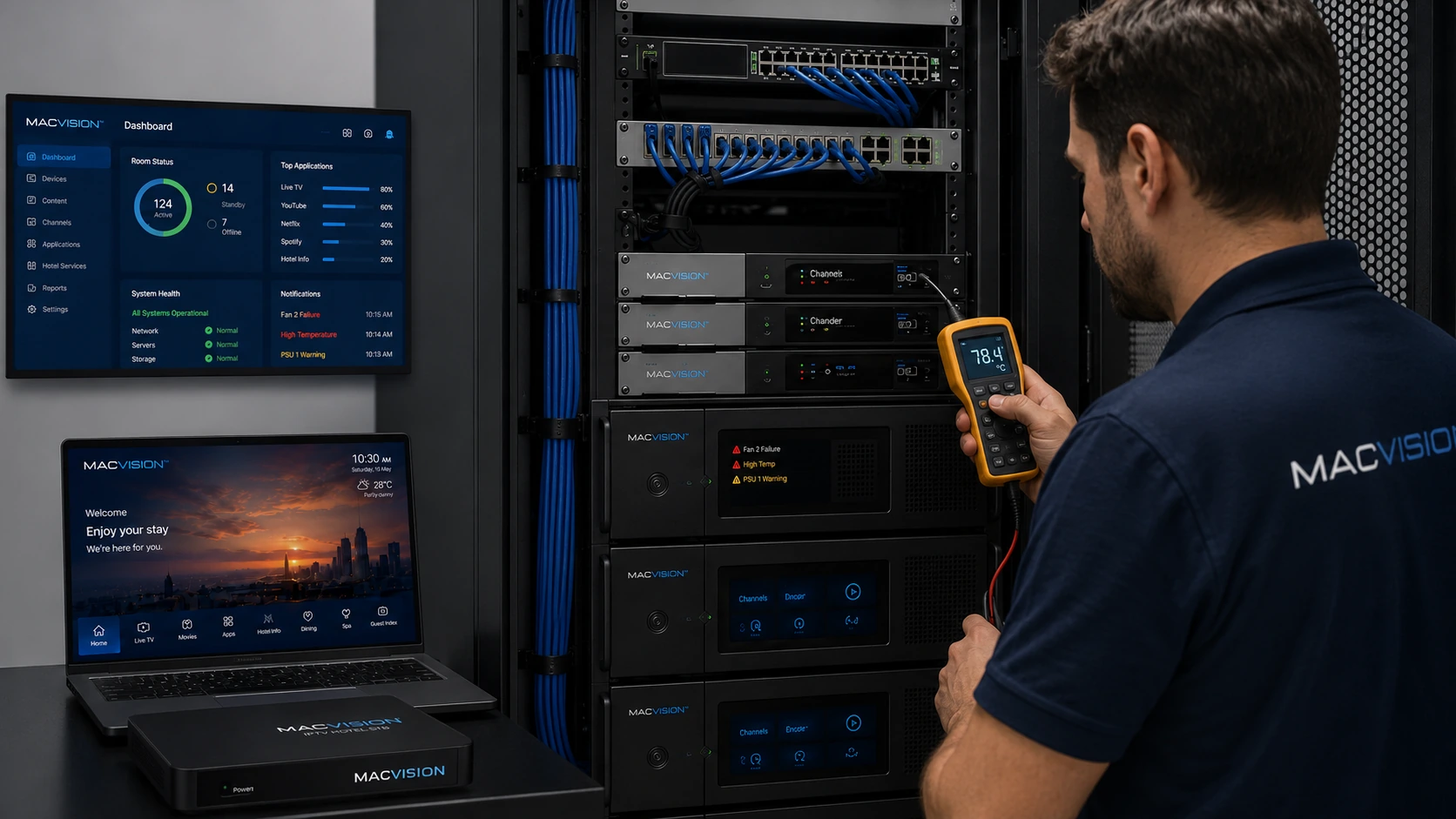
IPTV headends operate continuously and combine RF tuners, processors, storage, network interfaces and often conditional-access modules. Weak power supplies, blocked airflow, failed fans, dust and high rack temperature can cause tuner unlocks, encoder resets, packet loss or complete service interruption. Thermal and power faults may appear random because they depend on load and ambient conditions. Environmental monitoring is therefore part of channel reliability, not merely facility maintenance.
What IPTV symptoms can be caused by an overheating headend?
Answer: Channels may freeze after several hours, tuner modules can unlock, encoders may restart and network ports can drop packets. The fault often clears temporarily after a reboot or when rack doors are opened, then returns as temperature rises. Encrypted services may fail first if CAMs overheat. Review hardware temperature sensors, fan speed and event logs, and compare failures with room temperature and processor load. Do not repeatedly reboot without correcting airflow because thermal cycling can accelerate hardware damage.
How can power instability be distinguished from a software or network fault?
Answer: Check whether multiple unrelated modules reset at the same timestamp, whether the server management controller reports voltage events and whether UPS logs show transfer or battery problems. Measure supply rails under normal and peak load. A software fault usually affects a particular process, while a power event can restart tuners, switches and storage together. Verify rack power distribution, redundant PSU status and grounding. Correlating logs across devices is more reliable than inspecting one channel after the event.
What preventive maintenance protects IPTV headend availability?
Answer: Maintain the room within equipment temperature and humidity limits, clean filters, verify fan operation and keep front-to-rear airflow unobstructed. Test UPS batteries and redundant power paths, and monitor input voltage, rack temperature and device sensors. Replace failed fans or PSUs before redundancy is lost. Keep firmware current through controlled maintenance windows and maintain configuration backups. Capacity planning should include thermal and electrical load when adding tuners, encoders or storage, not only available rack units.