

MAIN TECHNICAL ARTICLE
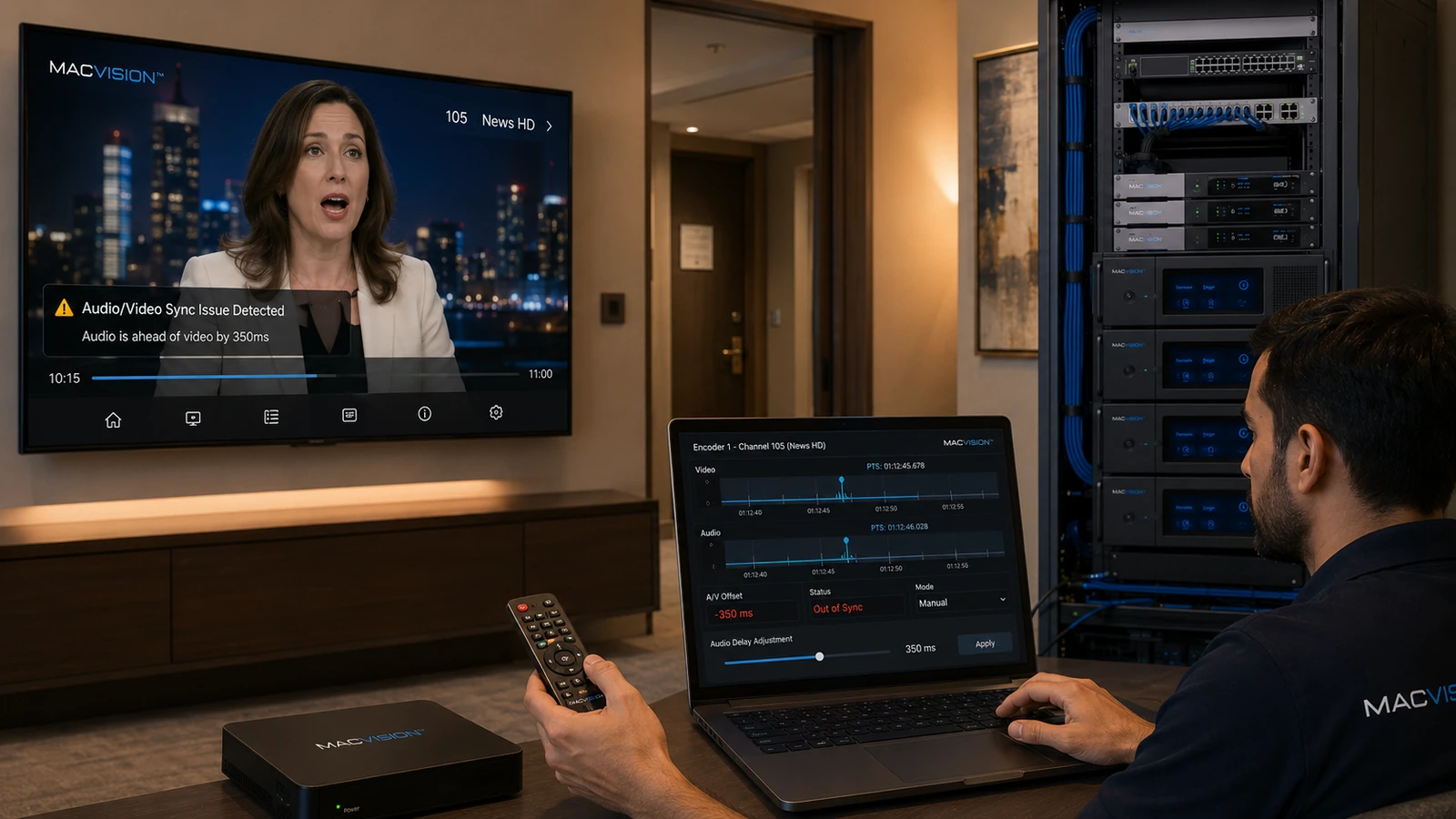
Lip-sync errors occur when audio and video timestamps, encoder delays, buffering or decoding paths are not aligned. The delay may be constant, gradually increase or appear only after channel changes. Source contribution, transcoding, frame-rate conversion, PCR instability and endpoint audio processing can each add different latency. The correction must be applied at the stage where the offset is introduced; adding delay at every TV is not a suitable network-wide solution.
Why does IPTV audio lead or lag behind the picture?
Answer: Audio and video may pass through different encoders or processing buffers. A video encoder using B-frames introduces more delay than a simple audio encoder, while an endpoint may add audio processing or HDMI delay. Incorrect PTS/DTS values or unstable PCR can make the offset drift rather than remain fixed. Measure sync at the source and at each processing output. A constant offset can often be corrected with a defined delay; a changing offset requires timestamp or clock repair.
How can a technician determine where lip sync is introduced?
Answer: Use a source containing a clear audiovisual timing event or a professional sync test. Observe or measure it before encoding, after transcoding, at the middleware output and on the final display. Compare direct network playback with STB-to-HDMI playback. If every endpoint shows the same offset, the issue is upstream. If only one device type differs, inspect its decoder, audio-output and display-processing settings. Record whether the error is fixed or accumulates over time.
What changes correct IPTV sync without causing new channel delays?
Answer: Set a single controlled audio or video delay at the responsible encoder or transcoder, regenerate valid timestamps and ensure all components reference a stable PCR. Avoid excessive buffering and unnecessary frame-rate conversion. On STBs, align HDMI audio mode with the television and disable processing that adds variable delay. Test live content for several hours, including ad breaks and input format changes, because sync can reset when the broadcaster changes resolution or audio mode.