

MAIN TECHNICAL ARTICLE
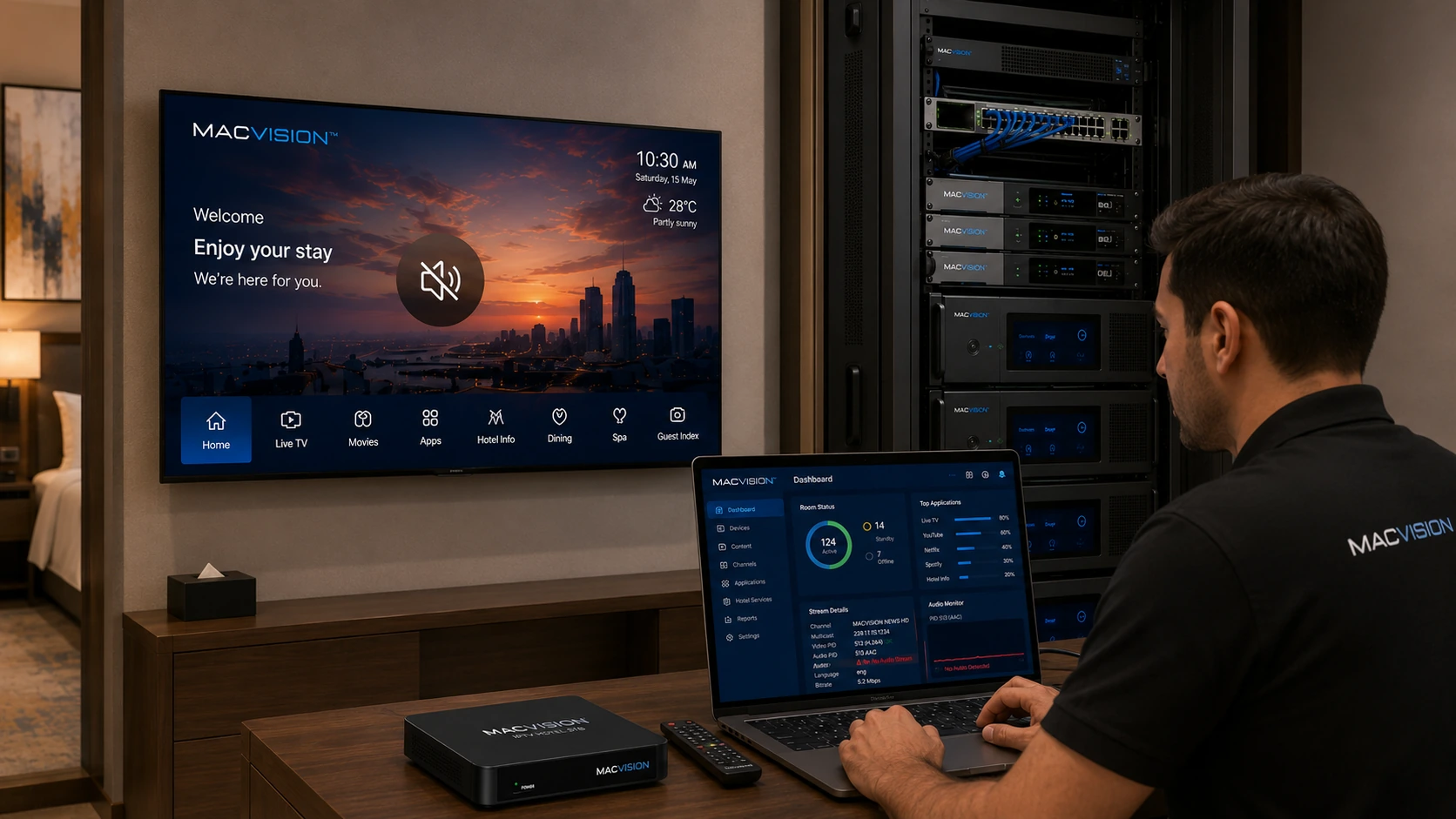
A channel can display normal video while producing silence when the audio PID is missing, the selected language track is wrong, the codec is unsupported, the audio is muted by endpoint policy or the audio format changes unexpectedly. Some satellite services carry several audio tracks, including Dolby formats that are not decoded by every hospitality television. Proper correction requires selecting a compatible default track while preserving optional languages where the middleware and TV support them.
Why does an IPTV channel have picture but no sound on some televisions?
Answer: The stream may use an audio codec such as AC-3, E-AC-3 or AAC variant that one TV supports and another does not. The middleware may select an empty or commentary track, or the headend may omit the audio PID during remultiplexing. Check the PMT for all audio components and decode them individually. If the channel is silent only through HDMI-connected STBs, also verify output format, passthrough settings and the television's accepted audio modes.
How can the correct audio PID and language track be identified?
Answer: Use service information or a transport-stream analyzer to list each audio PID, codec, language descriptor and bitrate. Listen to each track on a reference decoder and identify the desired default language. Confirm that the PCR reference and timestamps are valid. Configure the headend to pass required tracks and the middleware or player to choose the intended default. Do not identify tracks solely by PID order, because broadcasters can reorder or replace them during service updates.
What is the safest audio format for mixed IPTV TV models?
Answer: There is no single format guaranteed for every device, but MPEG Layer II, AAC-LC or AC-3 support is common depending on region and model. Build a compatibility matrix from the actual LG, Samsung, Android TV and STB estate. Where a required source uses an unsupported format, transcode or provide an additional compatible audio track rather than replacing all audio blindly. Validate volume level, lip sync, language switching and HDMI behavior on representative devices before publishing the change.