

MAIN TECHNICAL ARTICLE
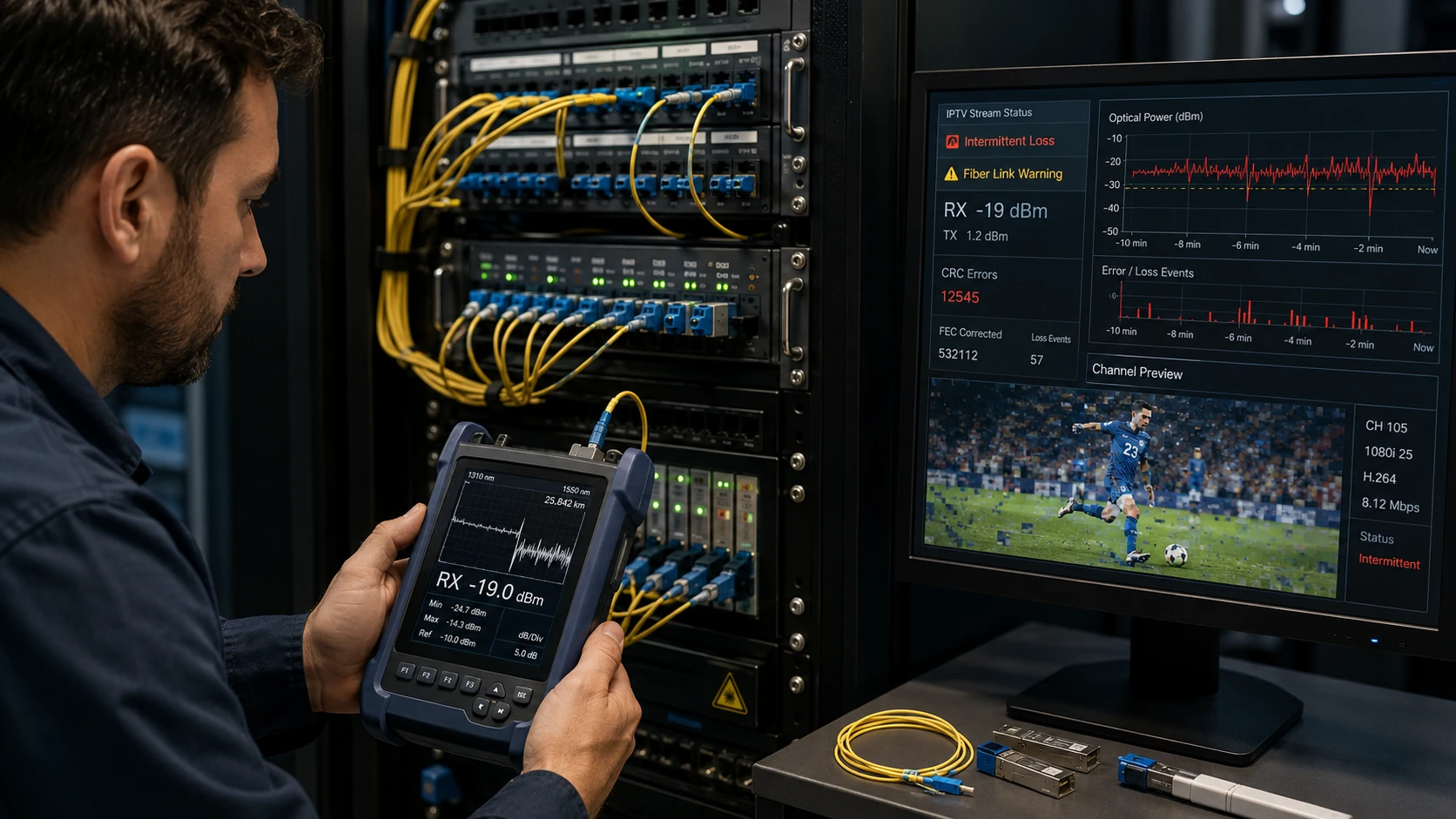
Fiber links can remain up while producing bit errors, packet loss or brief flaps because of dirty connectors, low optical power, incompatible optics, excessive bends, damaged splices or failing SFP modules. IPTV exposes these defects through pixelation and freezes even when ordinary web browsing appears normal. Optical and Ethernet error counters should be checked together because a clean logical configuration cannot compensate for a marginal physical link.
What fiber problems can affect IPTV without causing a complete link outage?
Answer: Low receive power near the SFP threshold, contamination, reflections, intermittent connectors and temperature-sensitive optics can produce CRC errors or brief loss of signal. The link renegotiates or drops frames faster than users notice in web applications, but UDP video shows immediate corruption. Check optical receive and transmit levels, interface error counters and event logs during the fault. Compare values with the optic budget and module specifications.
How can a dirty fiber connector be confirmed as the source of channel freezing?
Answer: Inspect with an approved fiber microscope, clean using the correct method and retest optical power and errors. Do not look into an active fiber. If receive power improves and CRC or loss-of-signal events stop, contamination was involved. Swap patch leads and SFPs separately to avoid replacing several parts without evidence. An optical time-domain test may be required for installed-cable or splice faults.
What should be documented after repairing an IPTV fiber uplink?
Answer: Record fiber type, length, connector type, optic model, wavelength, transmit and receive power, calculated margin and interface error counters. Confirm correct polarity and verify redundant paths. Run sustained IPTV load while monitoring drops and flaps. Label cleaned and replaced components and establish inspection practices, because reopening a connector can reintroduce contamination even after a successful repair.