

MAIN TECHNICAL ARTICLE
A stream that plays directly from the headend proves that media exists, but it does not prove that the middleware can authorize, resolve, proxy or present it correctly. Failure can occur in channel database mapping, URL syntax, player selection, access policy, server routing, device profile or application cache. The diagnostic method is to compare the exact working stream with the URL and session information delivered by the middleware to the same endpoint.
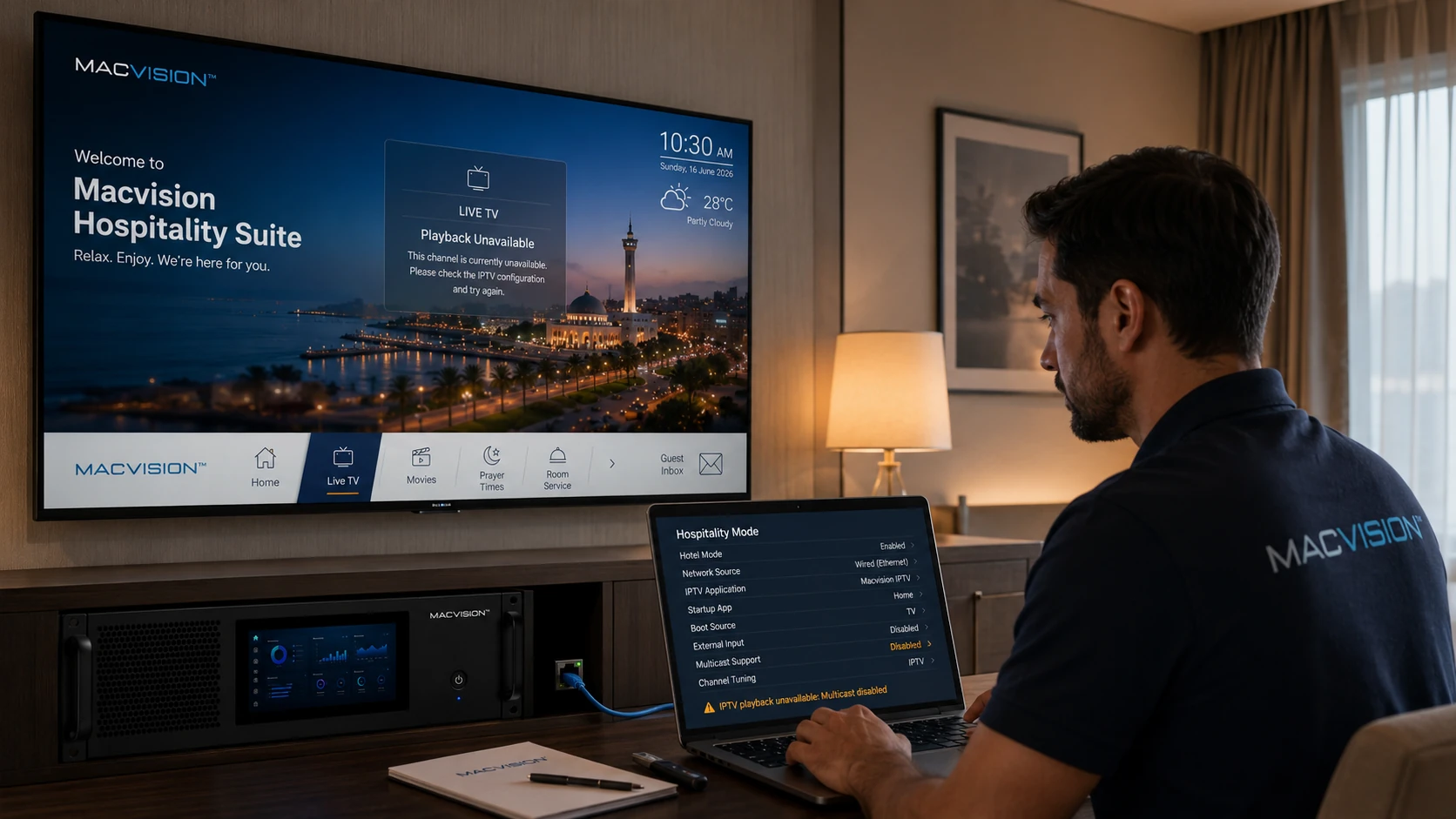
Why does a multicast stream play in a test player but not from the hotel TV menu?
Answer: The TV application may receive an incorrect address, use a player that does not support the stream format or be blocked by room authorization. The direct test may also run on a laptop in a different VLAN with different multicast access. Inspect the middleware response for the selected channel and compare destination IP, port, protocol and device network path. Check application logs and confirm that the TV sends an IGMP join when the menu item is selected.
How can a channel-database mapping fault be identified?
Answer: Select the channel in middleware and trace its internal ID to the configured source URL and output profile. Compare that mapping with the approved headend registry. If another channel opens, the wrong record or duplicate ID is likely. Update the existing record rather than creating a new one, then clear the relevant application cache. Verify logo, number and EPG after the stream is corrected because these may use separate identifiers.
What should be tested before declaring middleware integration complete?
Answer: Test login or room authorization, channel list loading, first-play behavior, repeated switching, device restart, check-in and check-out state, multiple audio tracks and failure recovery. Use representative LG, Samsung and STB devices on production VLANs. Confirm the middleware sends the correct stream without exposing administrative or unrestricted URLs. Monitor both server and switch logs during the tests so an application problem is not confused with multicast forwarding.