

MAIN TECHNICAL ARTICLE
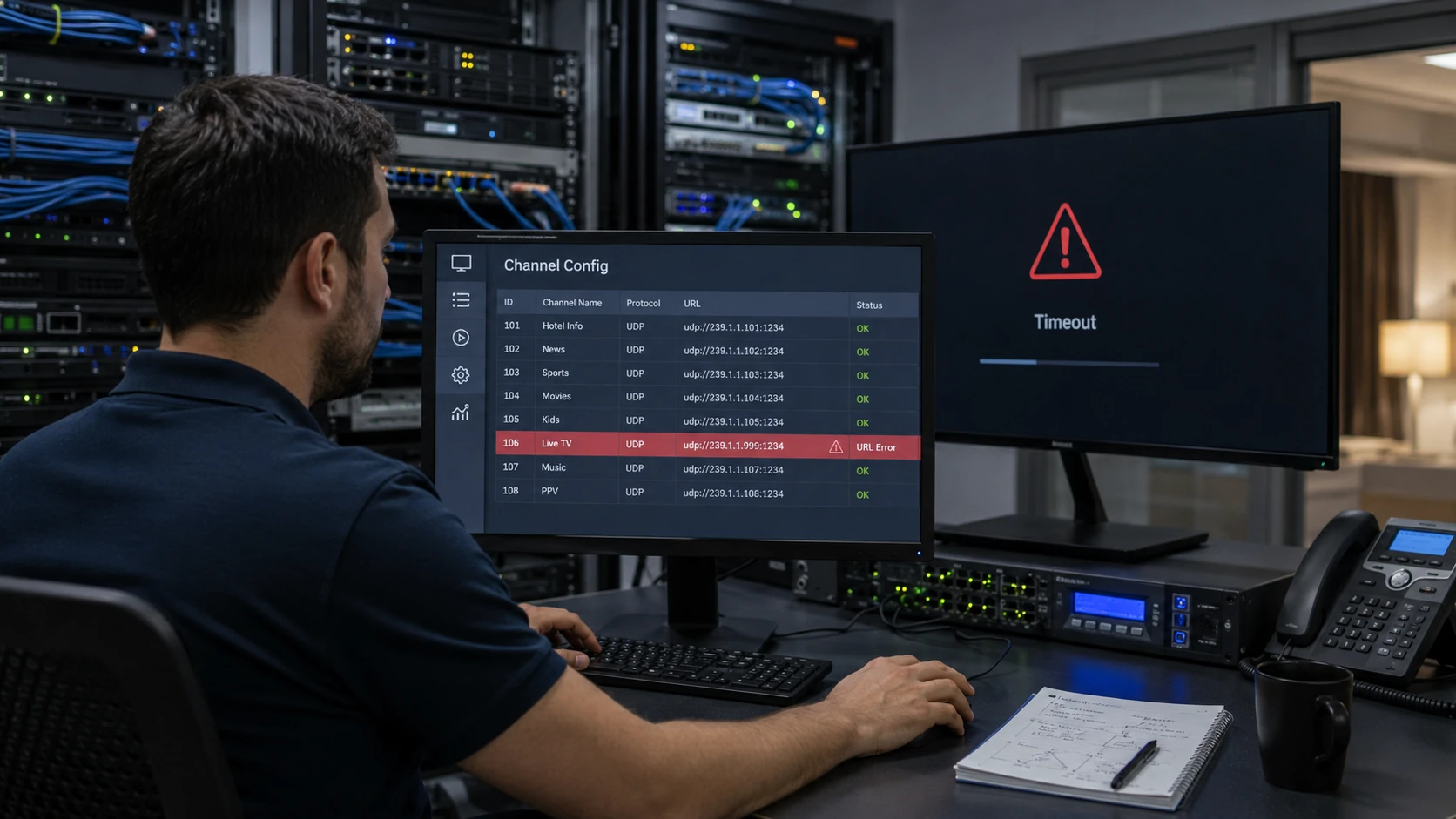
Middleware may reference raw UDP multicast, RTP, HTTP, HLS, DASH or a server proxy. Each format has specific URL syntax, port requirements and interface behavior. A missing protocol prefix, wrong port, transposed multicast address, stale hostname or incorrect path can make a valid channel unavailable. URL validation should occur against the actual player used by the television, because desktop players often accept syntax variations that embedded applications reject.
What URL mistakes commonly prevent an IPTV channel from opening?
Answer: Common errors include using the wrong multicast group or port, specifying RTP for a raw UDP source, omitting a required network interface, entering an HTTP path with incorrect case or token, and referencing a hostname that the TV cannot resolve. Copying spaces or hidden characters into the database can also break parsing. Compare the configured value character by character with a known working address and review the player log for protocol errors.
Why can an HLS URL work temporarily and then stop in middleware?
Answer: The URL may contain an expiring authentication token, reference a temporary playlist, depend on a DNS record not available to the TV VLAN or use HTTPS certificates the endpoint no longer trusts. Check playlist retrieval, segment URLs, token lifetime, server clock and certificate chain. A middleware system should generate or refresh authorized URLs deliberately rather than storing a short-lived link as a permanent channel source.
How should channel URLs be managed to avoid configuration drift?
Answer: Maintain a controlled source registry with channel ID, protocol, address, port, origin server, backup source and validation date. Import or update middleware from that registry where possible. Apply changes through versioned configuration and test them on a staging device before production. Do not let separate teams maintain unconnected spreadsheets, encoder labels and middleware records, because one address change can otherwise leave several stale copies.