

MAIN TECHNICAL ARTICLE
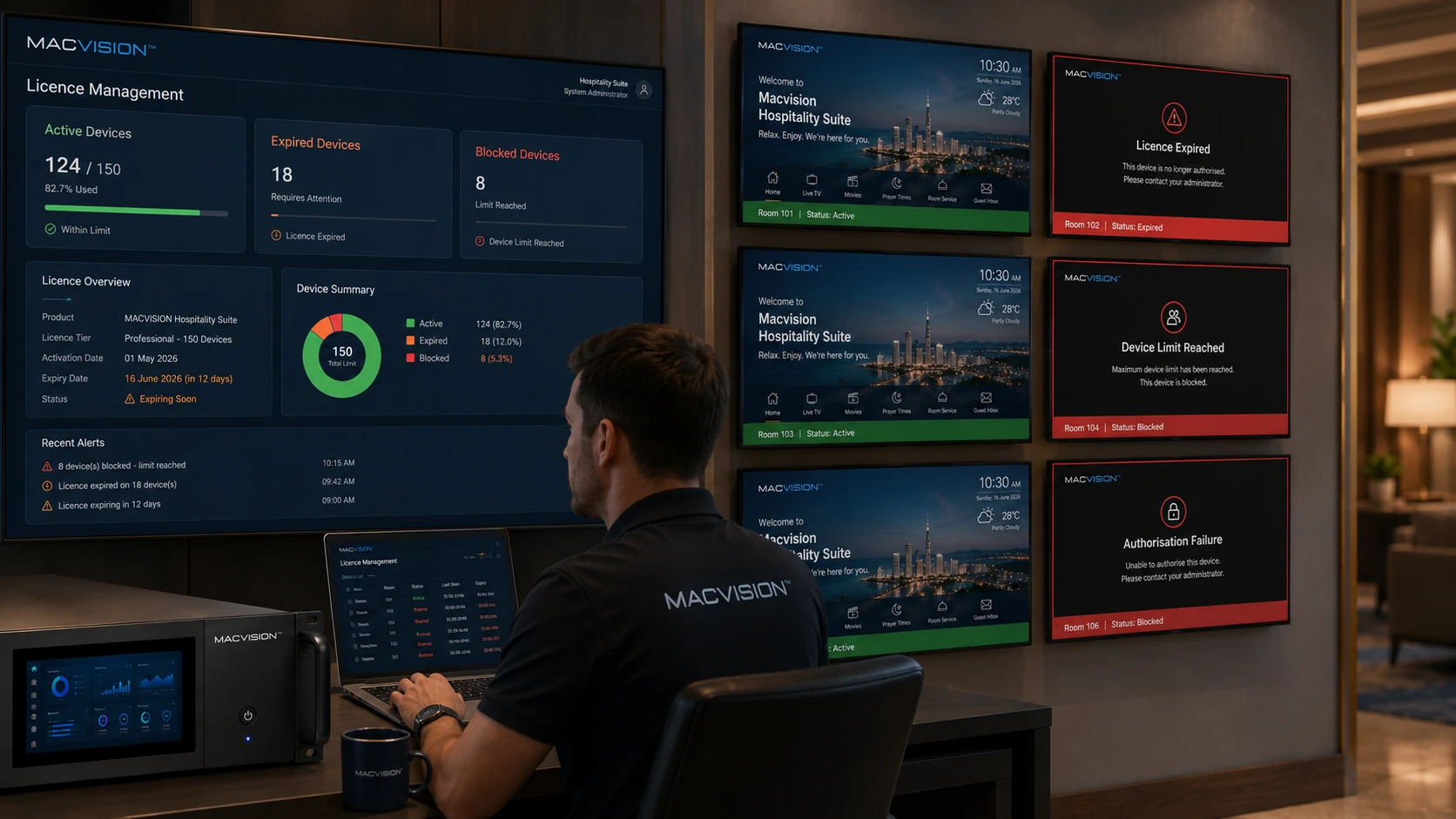
Hospitality middleware may authorize devices by MAC address, certificate, room assignment, account, licence or network location. A TV can reach the server and display the interface yet be denied channel playback because its identity is unregistered, assigned to the wrong room or outside the permitted licence state. Time synchronization and certificate validity can also affect token-based sessions.
Why can one television see the channel list but receive an access-denied message?
Answer: The application may load public metadata before the server evaluates the device or room entitlement for media. Check the device identifier received by the server, its room mapping, licence status and active guest or property policy. Replacing a TV or network interface can change the MAC address and leave the old record active. Correct the existing room assignment and remove stale duplicates rather than disabling authentication globally.
How do clock errors break token or certificate-based IPTV access?
Answer: Tokens and certificates include validity times. If the server or TV clock is significantly wrong, a newly issued token can appear expired or not yet valid, and HTTPS connections may fail. Verify NTP reachability, timezone and hardware clock on all components. Correct time before reissuing credentials; repeatedly generating tokens while clocks disagree only creates more misleading failures.
What is the secure way to recover authentication after replacing a TV or STB?
Answer: Register the new device through the approved provisioning workflow, transfer the room entitlement and revoke or archive the old identity. Confirm the new device receives only the services allowed for that property and room class. Avoid cloning unrestricted credentials across devices. Test check-in, check-out and factory-reset behavior, then document the asset change so future audits can distinguish legitimate replacement from unauthorized duplication.