

MAIN TECHNICAL ARTICLE
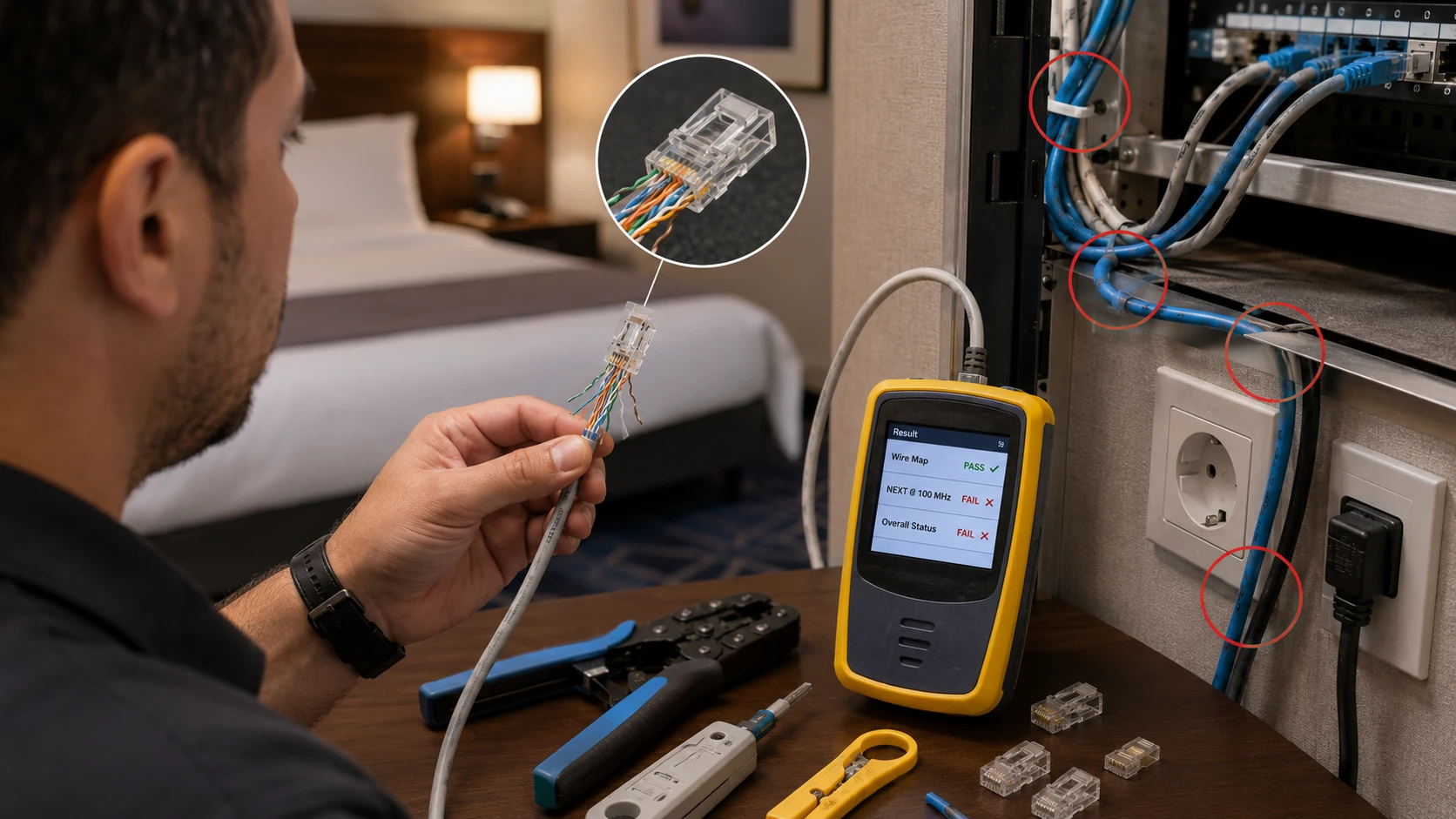
Copper cabling can establish a link while still producing frame errors from damaged pairs, poor termination, excessive length, unsuitable cable category, electromagnetic interference or moisture. IPTV exposes intermittent CRC errors as pixelation and audio loss. Link LEDs and successful internet browsing are insufficient tests. Permanent links and patch cords should be certified and switch counters reviewed under sustained traffic.
Why can a TV show 100 Mbps link but still freeze on IPTV?
Answer: Auto-negotiation confirms electrical connectivity, not error-free transmission. Split pairs, marginal contacts or interference can pass basic traffic but corrupt frames under continuous load. Check CRC, alignment and drop counters on the switch, then test the cable with a certification instrument. Replace patch cords before opening walls, but do not accept a simple continuity test as proof of category performance.
How does cable distance affect live IPTV quality?
Answer: Copper Ethernet channels are designed for a maximum length including permanent link and patch cords. Excess length increases attenuation and noise susceptibility, while poor-quality cable can fail below the nominal limit. High temperature and bundled power cables can worsen performance. Measure actual length and certification parameters. For longer paths, use correctly designed fiber rather than adding unmanaged extenders.
What cable test results should be recorded for IPTV commissioning?
Answer: Record wire map, length, insertion loss, return loss, near-end and far-end crosstalk, propagation delay and the final pass standard for each permanent link. Label the outlet, patch panel and switch port consistently. After connecting the TV, confirm negotiated speed and zero increasing error counters during channel playback. These records allow later faults to be compared with the original installation rather than treated as unexplained network problems.