

MAIN TECHNICAL ARTICLE
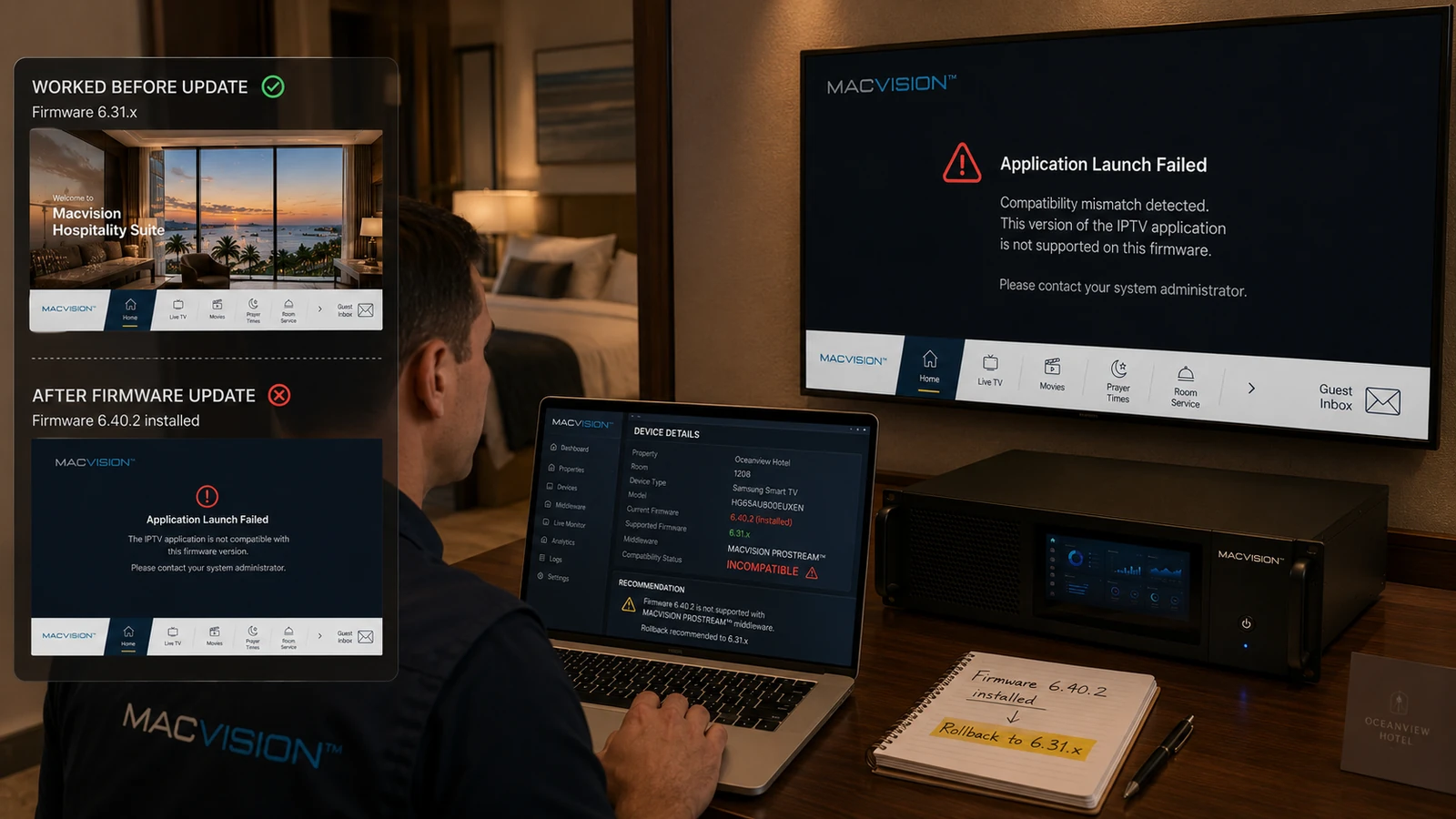
Firmware updates can change browser engines, TLS certificates, autoplay rules, storage permissions, codec behavior and application APIs. These changes may improve security but can disrupt an existing hospitality application or channel player. Automatic updates should therefore be controlled where the manufacturer and project policy permit, and every new version should pass regression testing before broad deployment.
Why can IPTV stop working immediately after a smart TV firmware update?
Answer: The update may remove a deprecated API, enforce a new certificate rule, change mixed-content policy, alter multicast player behavior or clear application permissions. The middleware server can remain healthy while updated TVs fail. Compare firmware versions between working and failing units, review application errors and test a known supported stream. Do not downgrade blindly without confirming manufacturer support and security implications.
What regression tests are essential for IPTV TV firmware?
Answer: Test application installation and launch, HTTPS connectivity, authentication, channel list, multicast and unicast playback, supported codecs, audio tracks, subtitles, remote keys, standby, reboot, clock synchronization and cache update. Include PMS-triggered behavior and device provisioning. Run the tests on production-like VLANs and server certificates. A successful YouTube or broadcast-tuner test does not validate the hospitality middleware.
How can firmware risk be managed across hundreds of hotel televisions?
Answer: Maintain an inventory by model and firmware, pilot updates in a lab and limited rooms, and schedule staged deployment with rollback or replacement plans. Prevent uncontrolled update prompts where policy allows, but continue applying supported security fixes after validation. Keep middleware clients compatible with current manufacturer platforms and document end-of-support models. Monitoring should identify version drift before it creates inconsistent guest behavior.