

MAIN TECHNICAL ARTICLE
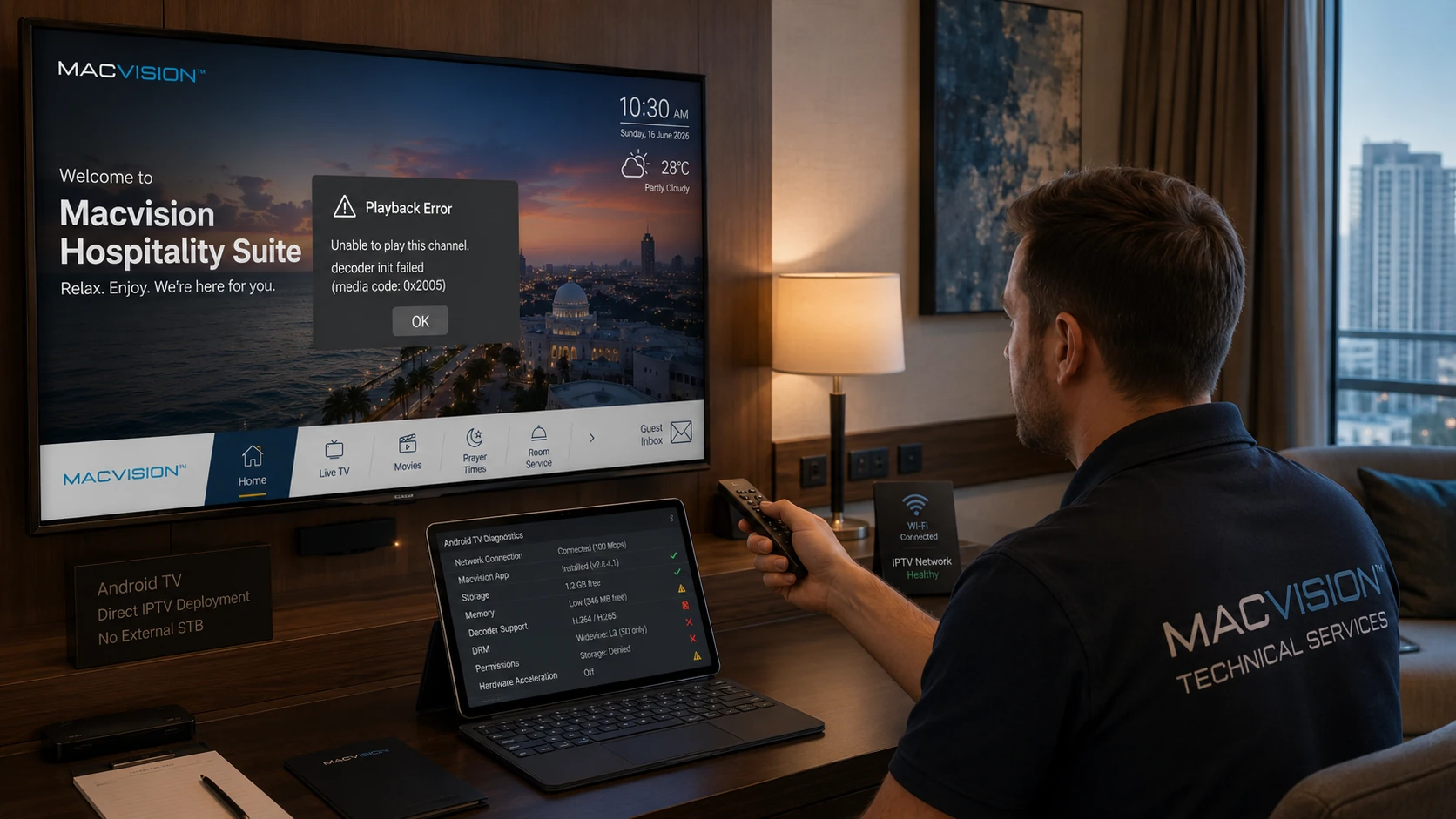
Android TV provides flexible application deployment but varies across certified televisions, operator devices and generic Android hardware. Playback can fail because of missing multicast support, restricted background operation, hardware-decoder limitations, power-saving behavior, app permissions or vendor firmware. Direct installation should be validated as a managed appliance, not assumed to behave like an Android phone or test box.
Why does an Android TV app load but fail to receive multicast IPTV?
Answer: The device or application may not acquire the required multicast lock, the Wi-Fi driver may filter multicast, or the network interface and VLAN may be wrong. Some vendor builds restrict multicast to specific APIs. Test on wired Ethernet, capture the IGMP join and confirm packets reach the device. Review app permissions and power settings. A desktop player on the same port does not prove the Android network stack supports the same method.
What causes Android TV playback to stop after the screen has been idle?
Answer: Power-saving or background restrictions may suspend the application, network interface or decoder. The TV can retain the last frame while leaving the multicast group. Configure approved kiosk or hospitality behavior, exempt the managed app from inappropriate battery optimization and test standby/wake cycles. Avoid disabling all power management without considering panel life and property energy policy.
How should Android hardware decoding be configured for stable IPTV?
Answer: Use hardware acceleration for supported codecs and resolutions, but provide a controlled software fallback only if CPU capacity is adequate. Test deinterlacing, audio passthrough, H.265 profiles and high-bitrate peaks. Generic boxes may advertise codec support without stable drivers. Lock the app and firmware versions used in production and monitor decoder errors rather than allowing automatic player changes.