

MAIN TECHNICAL ARTICLE
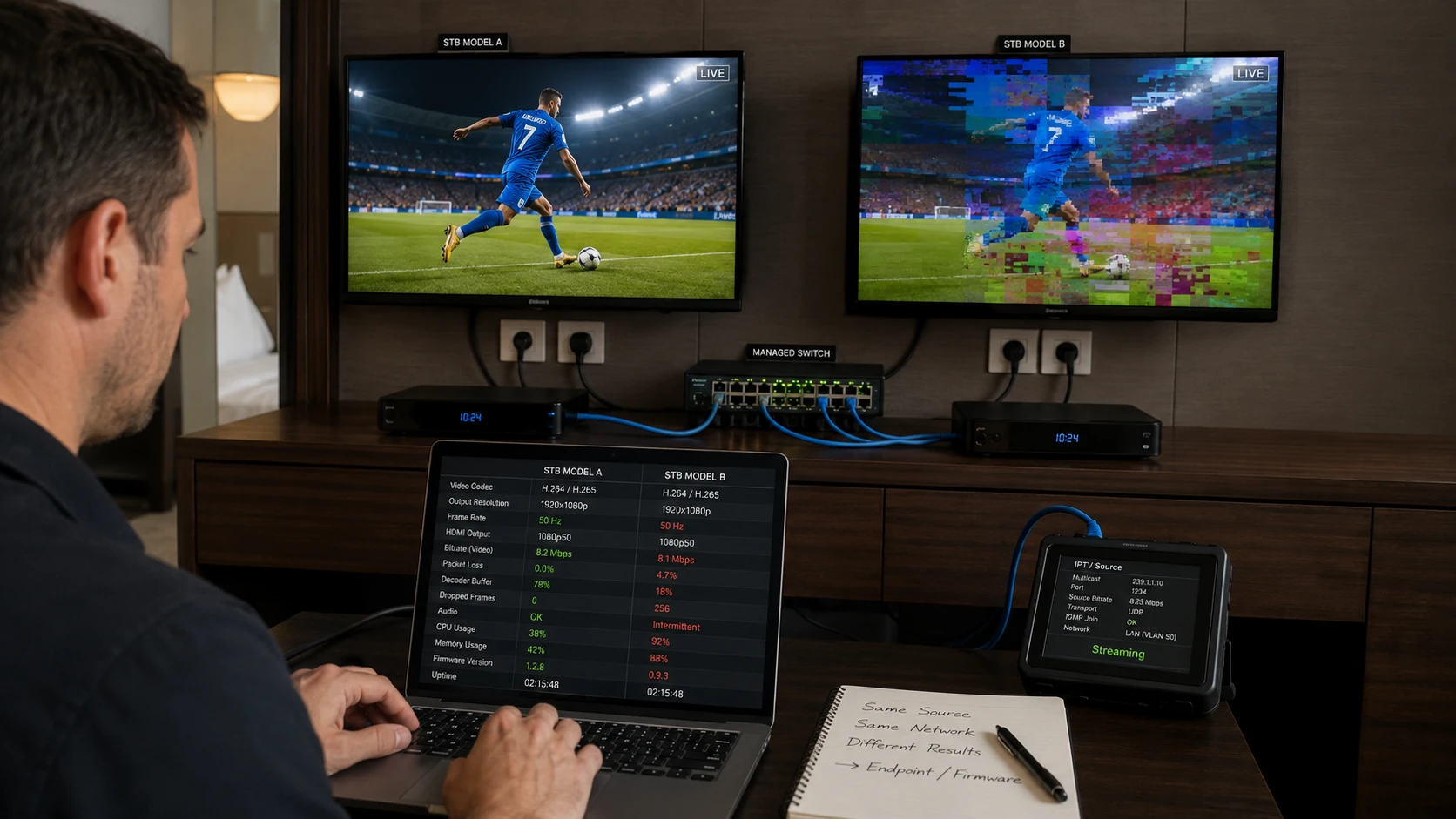
An Android set-top box combines power supply, processor, storage, network interface, decoder and HDMI output. Freezing or rebooting can come from thermal stress, inadequate adapters, failing storage, firmware, application leaks or stream incompatibility. A black screen may instead be HDMI negotiation or unsupported output resolution. The STB should be tested as both a network endpoint and an audiovisual device.
Why does an IPTV STB reboot only on certain channels?
Answer: Those channels may use a codec, resolution, frame rate or bitrate that triggers a decoder or firmware defect. A weak power supply can also fail when processor load rises. Compare the stream profile with stable channels, monitor temperature and test with a known-good adapter of the correct rating. If software decoding is enabled, CPU overload may cause watchdog resets. Update or replace the device only after identifying whether the trigger is content or hardware.
How can HDMI black screen be separated from network playback failure?
Answer: Check whether the STB interface and audio remain available, test another HDMI cable and input, and force a known-supported output resolution. Use remote management or a local monitor to verify the channel is decoding. If packet capture shows media and the STB logs playback while the TV shows no image, investigate HDMI handshake, HDCP and resolution. If no media arrives, return to network and application troubleshooting.
What maintenance improves STB reliability in hotel rooms?
Answer: Use approved power adapters, provide ventilation, secure cables without blocking airflow and lock firmware and application versions. Monitor storage health and clear logs or caches through managed policy rather than guest resets. Keep spare configured units and a replacement workflow that transfers room identity securely. Test automatic boot, remote control, network recovery and HDMI output after every standard image update.